If you’re not using Google Ads, you’re missing out on one of the most effective digital marketing tools available today. Google processes over 8.5 billion searches per day, and 75% of users say paid ads make it easier to find the information they’re looking for. That’s a huge opportunity to get your business in front of people who are actively searching for your products or services.
Whether you’re a loan officer, real estate professional, or local business owner, Google Ads can help you generate high-quality leads, increase brand visibility, and drive sales. This guide provides an overview and outlines how to set up Google ads to get started with your first campaign.
What is Google Ads?
Google Ads is an online advertising platform that allows businesses to display ads on Google’s search engine results pages (SERPs), YouTube, Gmail, and a vast network of partner websites. You bid on keywords relevant to your business, and when users search for those terms, your ad has a chance to appear at the top of the results.
Google Ads operates on a pay-per-click (PPC) model, meaning you only pay when someone clicks on your ad. This makes it a cost-effective way to reach potential customers who are already searching for or interested in what you offer.
Key terms to know
Before diving in, it’s essential to understand a few key terms:
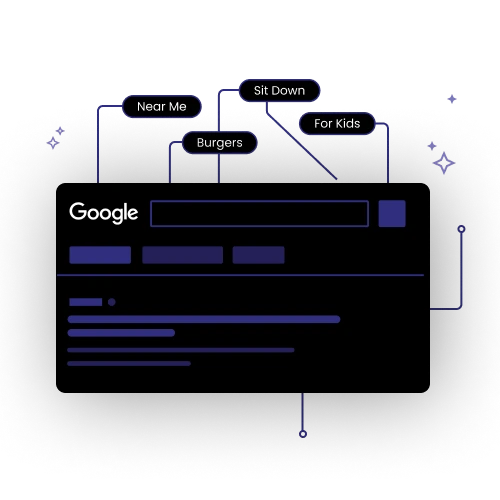
- Keywords – The words or phrases people search for on Google that trigger your ad. Example: “best mortgage rates” or “homes for sale in Austin.”
- Ad Rank – A score Google uses to determine where your ad appears on the page, based on your bid, ad relevance, and quality score.
- Quality Score – A rating (1-10) assigned to your ads based on their relevance, landing page experience, and expected click-through rate. Higher scores lower your costs.
- Impressions – The number of times your ad is shown to a viewer, regardless of whether it’s clicked.
- Cost-Per-Click (CPC) – The amount you pay each time someone clicks your ad. This is calculated by dividing the total amount spent on your campaign by the number of clicks on your ads
- Click-Through Rate (CTR) – The percentage of people who see your ad and click on it. A high CTR signals that your ad is relevant to the audience.
- Conversion – A valuable action taken after clicking your ad, such as filling out a form, making a call, viewing a specific webpage, or completing a purchase.
How to set up Google Ads for your first campaign
1. Create a Google Ads account
Go to Google Ads and sign up. You’ll need to enter your business details, payment method, and campaign preferences.

2. Choose your campaign type
Google Ads offers several campaign types, but for beginners, the most effective are:
- Search Campaigns – Show text ads on Google’s search results when people look for keywords related to your business.
- Display Campaigns – Place image-based ads on Google’s partner websites.
- Local Services Ads – Ideal for real estate agents and mortgage lenders, these appear at the top of Google with a “Google Screened” badge.
3. Select your target audience
Define who you want to reach based on location, demographics, interests, and search behaviors. For mortgage and real estate professionals, targeting by city or ZIP code is key.
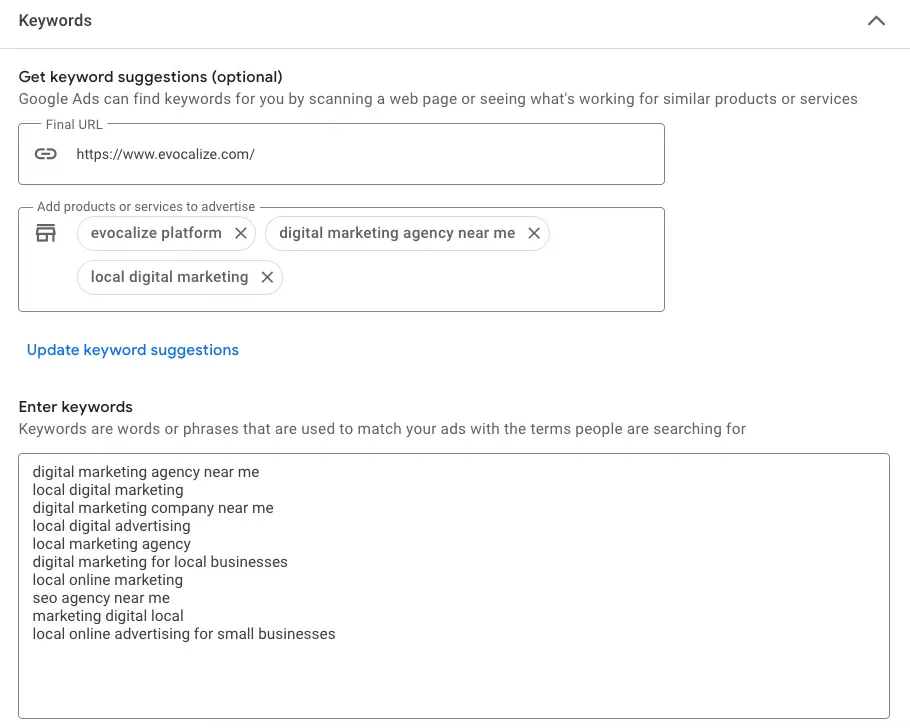
4. Choose your keywords
Use Google Keyword Planner (a free tool inside Google Ads) to find relevant keywords with high search volume and low competition. Avoid broad terms like “real estate” in favor of specific, high-intent keywords like “buy a home in Denver” or “low down payment mortgages.”
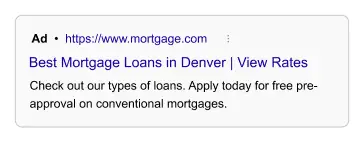
5. Write high-converting ad copy
Your ad should be compelling and action-oriented. A good formula:
- Headline – Grab attention with a clear value proposition. (Example: “Lowest Mortgage Rates – Apply Today!”)
- Description – Highlight benefits and add urgency. (Example: “Lock in a low rate before they rise. Get pre-approved in minutes!”)
- Call-to-Action (CTA) – Tell users what to do next. (Example: “Get a Free Quote” or “Schedule a Consultation.”)
6. Set your budget & bidding strategy
Decide how much you’re willing to spend per day. Choose a bidding strategy like:
- Maximize Clicks – Best for traffic-focused campaigns.
- Maximize Conversions – Optimizes for leads or sales.
- Target CPA (Cost Per Acquisition) – Helps control costs per conversion.
7. Launch & monitor your campaign
Once your campaign is live, track performance in Google Ads Manager. Focus on:
- CTR (click-through rate) – Is your ad attracting attention?
- CPC (cost-per-click) – Are you getting cost-effective clicks?
- Conversions – Are people taking action?
8. Optimize & scale
Digital advertising isn’t “set it and forget it.” Test different ad copy, adjust keyword bids, and refine audience targeting to improve results. If a campaign is performing well, increase your budget to maximize ROI. Don’t cut off your campaigns too soon — the longer your ads run, the better the results you’re going to get. Plus, each time you start a campaign, the system needs to go through a learning phase, delaying the effectiveness of the campaign.
Final thoughts
Google Ads is a powerful tool to generate high-quality leads and grow your business—especially in the mortgage and real estate industries where visibility and timing are critical. By understanding key concepts and following best practices, you know how to set up Google Ads that can drive real results.
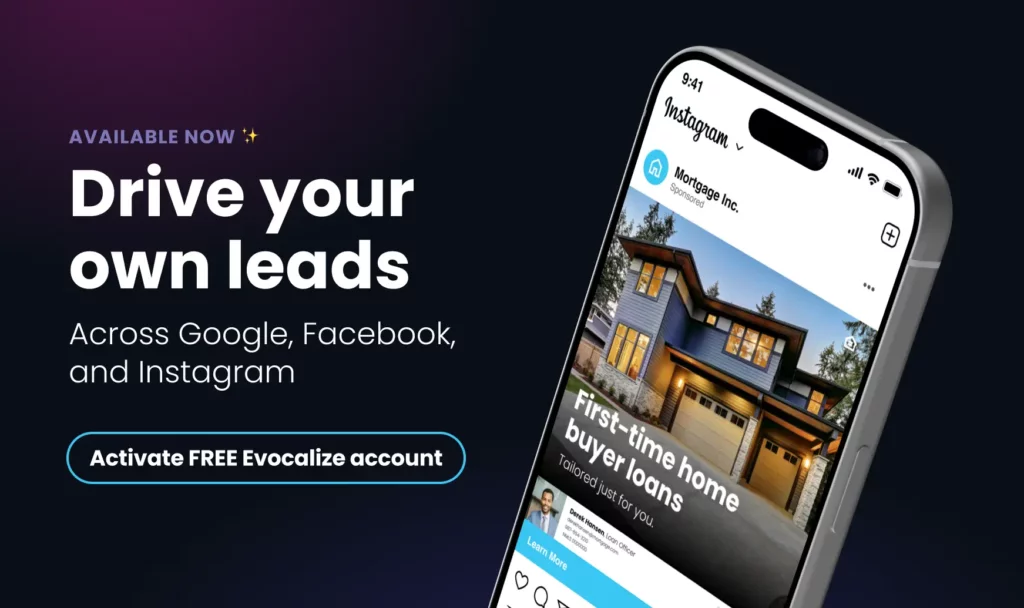
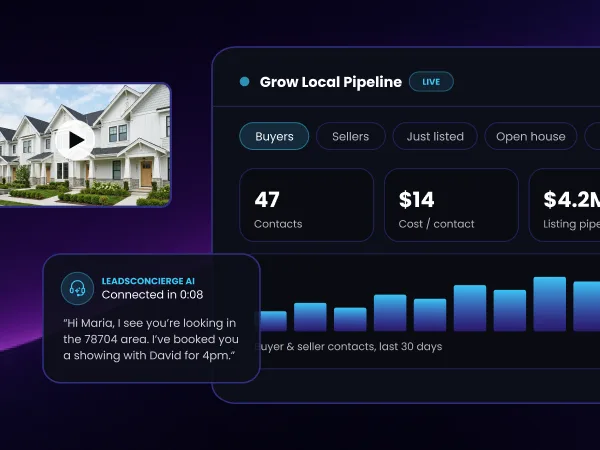
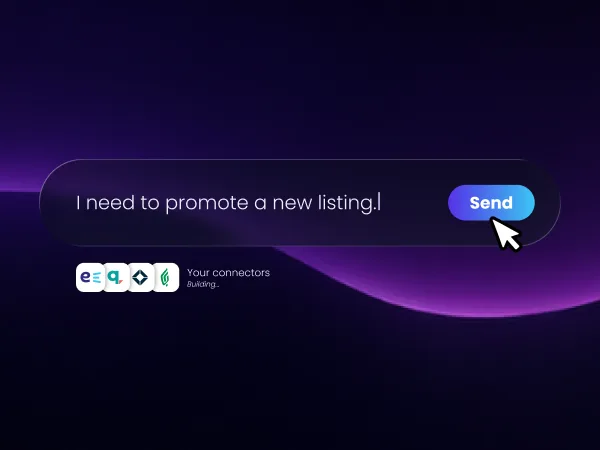
The right tools can help you generate your own leads across Google Search, just like the lead portals. Evocalize automates this entire process, so all you need to do is choose your campaign, where you want to run it, and how much you want to spend. Our patented AI technology then deploys your programs in seconds. And the best part — the longer they run, the smarter the AI gets, helping you get the most out of your Google Ad programs.
Ready to take the next step? Activate your FREE Evocalize account today, set up your first campaign in less than a minute, and start reaching potential customers across Google, Facebook, Instagram, and other popular places online.